Archive
Bug in Citrix Receiver 13 for Linux – cannot connect with multiple STAs – @CitrixSupport, @CitrixReceiver, #Citrix
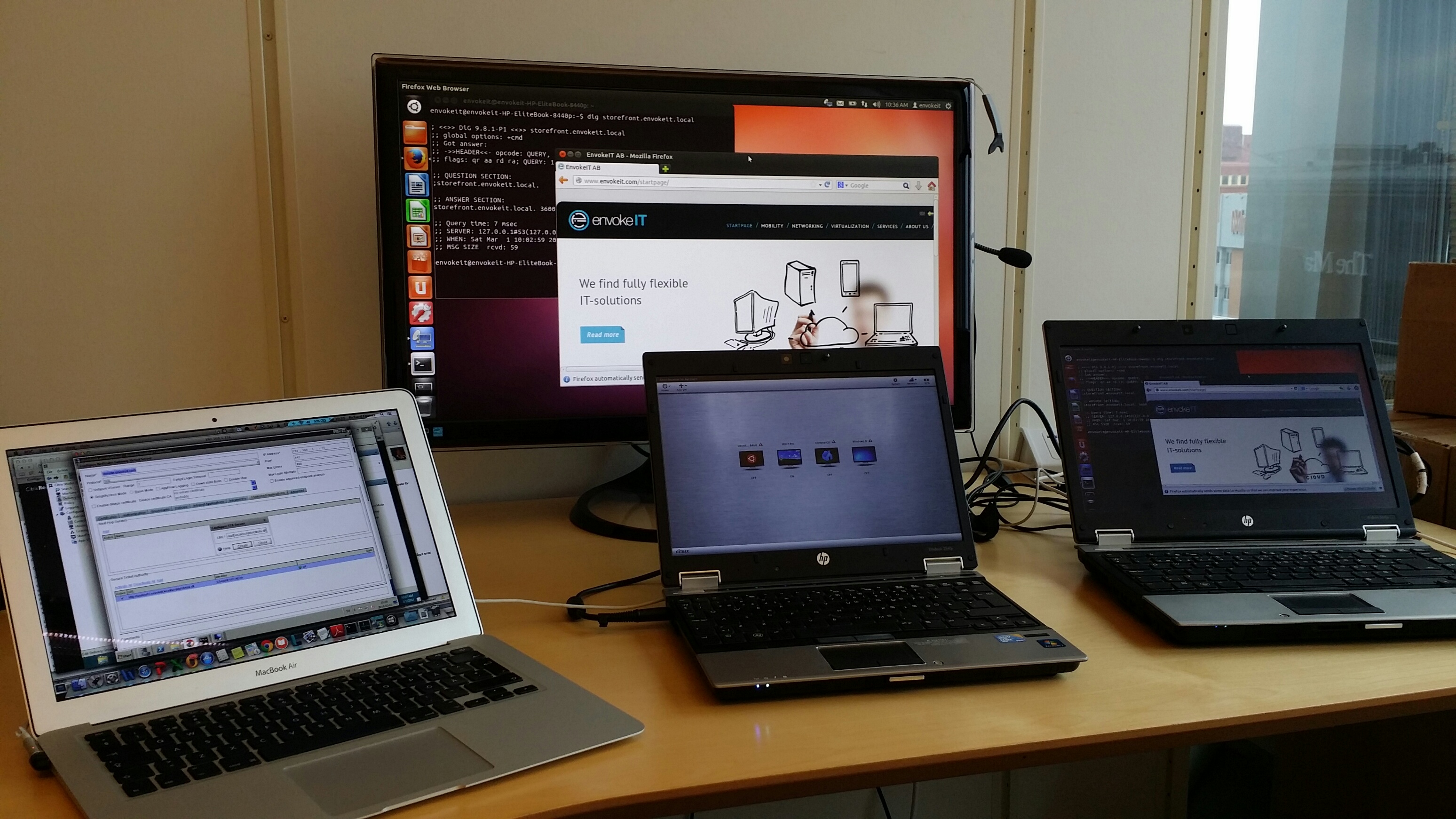
Ok, we’ve had some issues with Citrix Receiver version 13 for Linux.. and it’s not just ONE issue. I found one that I thought I just have to share… so it’s lab Saturday for me at the office in a true geek manner with two XenClients and my favourite MacBook!
I guess that some of you have tried the Linux Receiver and knows how hard it is to get working, especially on a 64-bit distribution of Linux like Ubuntu 12.04 LTS och 13.10 LTS.
If you follow these instructions you can get it onto the device and then login through a browser (local Receiver UI may still not be full functioning!)..
https://help.ubuntu.com/community/CitrixICAClientHowTo
What I’m about to show you is that it’s not just only getting Receiver on the device and ensuring that the SSL certificates are trusted. You then have to be able to use it as well externally through a NetScaler Gateway (NSG) into StoreFront and your XenApp/XenDesktop VDA’s.
Just assume that you have a production environment that consists of a NetScaler Gateway and a StoreFront server, if you then in StoreFront have configured your NetScaler Gateway correctly and the appropriate STA configuration (with MULTIPLE STA’s) then you will notice that you can’t launch a session.
BTW, the recommendation from Citrix is to use multiple STA’s, right! See this from edocs:
For all deployments, if you are making resources provided by XenDesktop, XenApp, or VDI-in-a-Box available in the store, list on the Secure Ticket Authority (STA) page URLs for servers running the STA. Add URLs for multiple STAs to enable fault tolerance, listing the servers in order of priority to set the failover sequence. If you configured a grid-wide virtual IP address for your VDI-in-a-Box deployment, you need only specify this address to enable fault tolerance.
Important: VDI-in-a-Box STA URLs must be entered in the form https://serveraddress/dt/sta in the Add Secure Ticket Authority URL dialog box, where serveraddress is the FQDN or IP address of the VDI-in-a-Box server, or the grid-wide virtual IP address.
The STA is hosted on XenDesktop, XenApp, and VDI-in-a-Box servers and issues session tickets in response to connection requests. These session tickets form the basis of authentication and authorization for access to XenDesktop, XenApp, and VDI-in-a-Box resources.
If you want XenDesktop, XenApp, and VDI-in-a-Box to keep disconnected sessions open while Citrix Receiver attempts to reconnect automatically, select theEnable session reliability check box. If you configured multiple STAs and want to ensure that session reliability is always available, select the Request tickets from two STAs, where available check box. Read more…
Penetration testing tips for your NetScaler – via @neilspellings – #Citrix, #NetScaler
This is a really good blog post by Neil! Keep up the good work! 😉
When working on Netscaler implementation projects, most of which tend to be internet-facing, one aspect that most organisations always perform is a penetration test. Having been through a number of these over the years, I thought it would be a good idea to share my experiences and some of the common aspects that get highlighted, to enable you to “pass first time” without having any remedial actions to work through and costly re-tests to perform.
The Netscaler has a number of IPs (NSIP, SNIP/MIP, Access Gateway VIPs etc) so what should you test against? The answer may well depend on corporate policy, but I usually test the internet-facing Access Gateway VIP and the management interface (NSIP). I also usually include StoreFront in any internal tests as this is an integral component of the overall solution, but I won’t cover StoreFront in this post.
Of course technically “bad guys” can only reach internet-facing IP addresses (as permissioned by your external firewall) but I recommend including internal-facing IPs for any DMZ-hosts to understand your exposure should another DMZ host get compromised (as your attacker can now potentially access internal IPs so the external firewall rules no longer protect you)
- Remove unnecessary management tools (telnet and FTP are considered insecure so should alwaysbe disabled). Also remove SNMP if your Netscalers are not being monitored or managed by an external monitoring service.

- Ensure that “Secure access only” is selected to force SSL access to the GUI
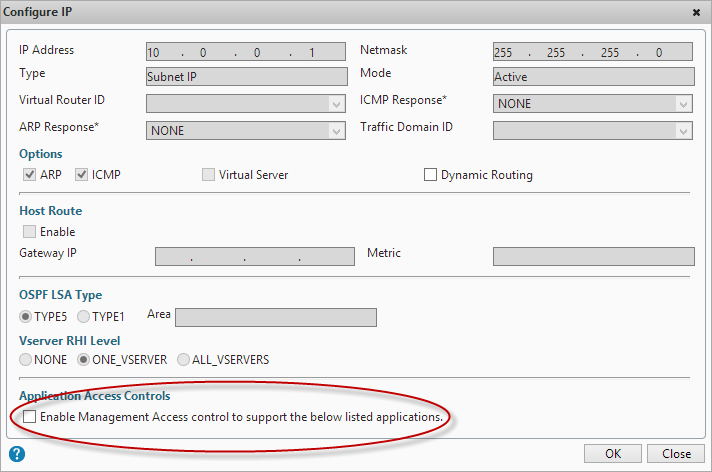
- Ensure that management applications are only available on an internal IP (NSIP or SNIP). Open the IP properties for the IP addresses that won’t be used for management and untick “Enable management access”
- Change the default nsroot password to something long (obvious you’d think but you’d be amazed how many Netscalers I’ve seen that I can just log straight into using the default credentials!)
- If you have set up integrated AD authentication via LDAP for administrative access to the GUI, ensure that you have protected access using a filter group, otherwise anyone with a valid AD account will be able to access your Netscaler GUI (although they won’t be able to make any changes, it’s still not a good idea them having this access!)
- If you are using…
Continue reading here!
//Richard
SSO to StoreFront not working in CVPN mode – #Citrix, #NetScaler, #StoreFront
Single Sign-On from Access Gateway to StoreFront not working in CVPN mode
There is yet another “thing” to have in mind when setting up Access Gateway and StoreFront in CVPN mode!
It’s been an interesting day (or days/weeks/months I must admit) with some “issues” with a NetScaler ADC, Access Gateway with CVPN profiles and StoreFront 1.2. And one thing that we have been struggling with was Single Sign-On to StoreFront when we had the AG configured for CVPN access. And it was just this environment where I’ve seen this issue!!
After a lot of troubleshooting the Citrix guys came up with an explanation on why SSO from AG doesn’t work in this specific environment! And it’s not an obvious one to find I must say… but I now understand why it doesn’t work!
So let’s explain the design reason for why it doesn’t work (so bear with me, solution at the end!!)…
The following picture tries to give a VERY rough picture of how it could look like, clients on the Internet on the left, then a NetScaler ADC with the Access Gateway feature enabled and a vServer configured. This AG vServer has session policies and profiles for ICA proxy (old traditional ICA proxy policy) and the little newer CVPN mode. And YES; I’ve left out a lot of stuff like AD etc. to simplify this picture A LOT…

The overall idea and config is that AG authenticates the user and then shall do SSO to StoreFront. The CVPN policy have been created according to all best practices etc. (Citrix CloudGateway Express 2.0 – Implementation Guide).
But SSO still doesn’t work!! If you login through a browser when having the CVPN policy linked to the vServer you’ll see that authentication works perfectly but then when it tries to passthrough the authentication to StoreFront it fails.
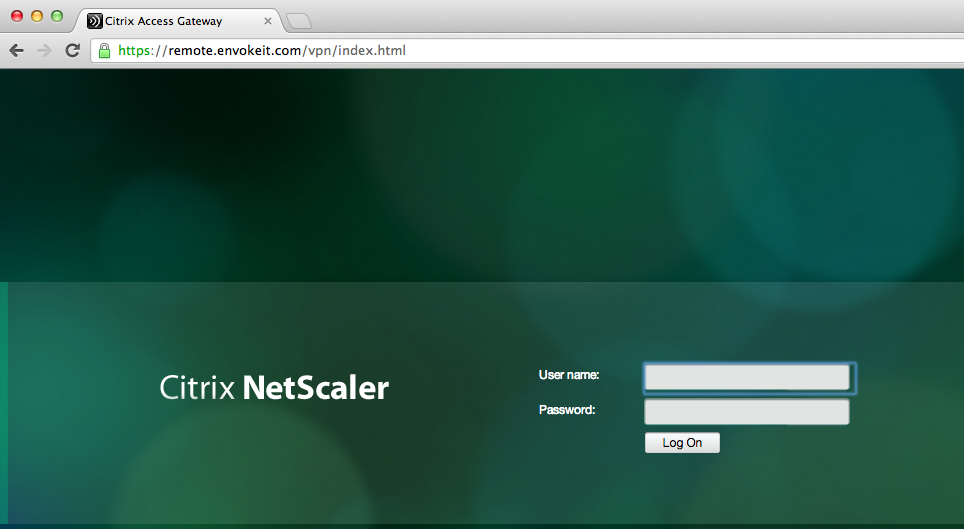
This picture just shows the login to the NetScaler ADC Access Gateway vServer:




 The IT Melting Pot!