Archive
#Citrix #NetScaler, #AGEE and Macbook OS X… bad start of the evening session!
Ok, I was just going to log in and play around and setup another AppController to verify some thoughts around a customer case in our EnvokeIT environment. And what did I do? I just opened my lovely Macbook Air (no one will ever take that one from me!!) and thought I would connect into our internal EnvokeIT lab environment and decided for some reason to connect over SSL VPN this time rather than running everything on the internally published desktop.
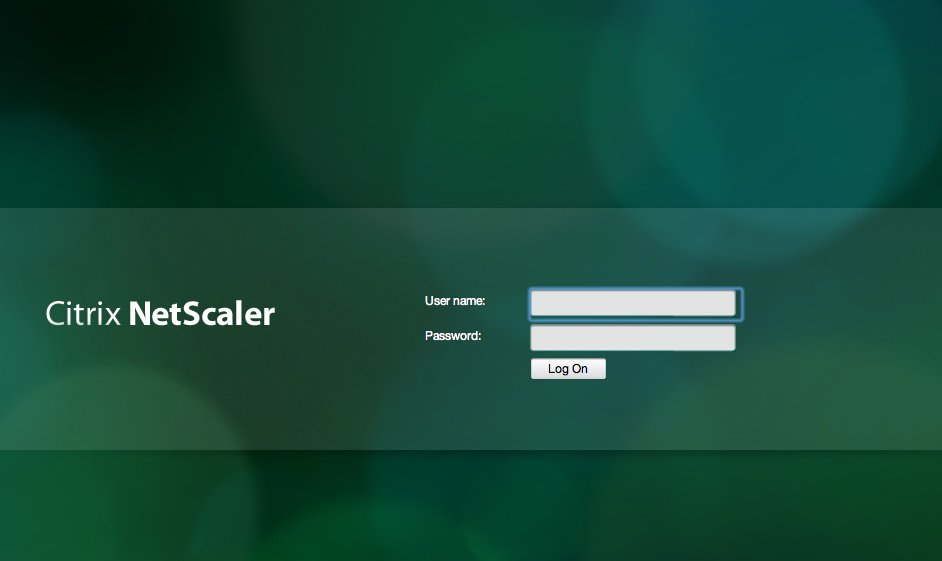
So I opened the browser and connected to our AGEE vip that presented me with the rather ok-looking login page as you can see here that my colleague modified to make it a bit more aligned with the StoreFront/Receiver for Web that we use in this little environment (otherwise you get that black ugly NetScaler login prompt, please get your product look & feel in synch Citrix!).
But then after I logged in I though that why not try out the SSL VPN client for my Mac! So I choose Network Access here;
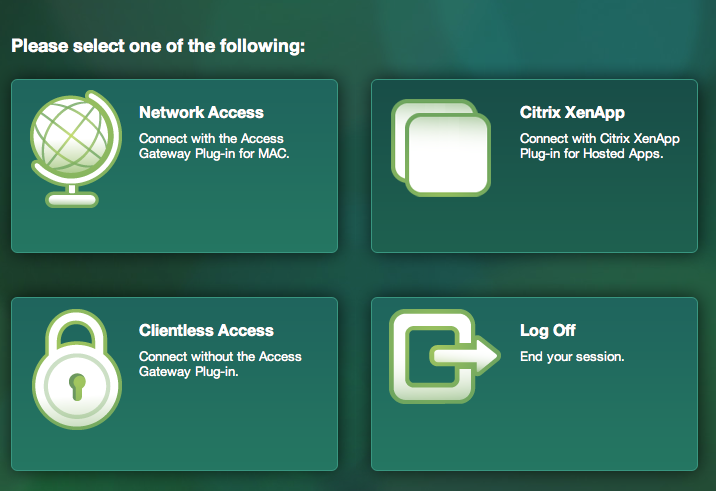
And then I realised that the modifications weren’t really all ok as you can see here when I was prompted to download the Access Gateway Plugin for OS X (SSL VPN client)…
Receiver for Win8 – Requires Storefront and Access Gateway Enterprise
And all of a sudden we have a new week with new opportunities! 🙂
One interesting news is that the Preview of the Receiver for Windows 8 (WinRT) is out! I’ll try it out ASAP but one thing that many has noticed is the requirement that it has in terms of Storefront, and if you want to secure your connection then Access Gateway (Enterprise Edition) is needed! I wonder how this will be received amongst all of you out there if that requirement will be there when it’s released…
I guess that Citrix has some work to do in terms of adding all Web Interface features into StoreFront ASAP otherwise I think that many will be quite upset.
This release of Receiver for Windows 8 (WinRT) provides:
- Application and desktop virtualization
- Deployment through the Microsoft App Store
- Self-service account management and favorites
- Supported on Intel-based (32- and 64-bit) and ARM architectures
- Native Metro design
- Native gesture support
- Support for Storefront Services including follow me applications
- Support for Access Gateway Enterprise Edition
- In-session clipboard support
- In-session network printing
Citrix release blog of the preview version:
“You’ll need the Windows 8 RTM (release to manufacturing) version on your device. You’ll also need CloudGateway Express ( Storefront Services ) for desktop and applications access and a properly-configured Access Gateway (Enterprise Edition) for remote access.”
For more info see the edocs documentation here!
Have a great week!
//Richard




 The IT Melting Pot!